A square featured image for an article, displaying the dark blue text "SAMEBOY" across the center. The text is superimposed on a pixel-art landscape featuring green hills, a blue sky with fluffy white clouds, and a retro Game Boy Color console at the bottom center.

What is SameBoy? The Ultimate Guide to the Best Game Boy Emulator

Introduction

Do you remember the thrill of booting up Pokémon Gold or Super Mario Land for the first time? The retro gaming trend is booming right now, with millions of players eager to relive their favorite childhood memories. But digging your old handheld console out of the attic—and finding a screen you can actually see in the dark—isn’t always practical. That is where modern software steps in to save the day.

Enter SameBoy, widely considered one of the most popular and reliable tools for playing classic games today. Whether you are a casual player looking for a quick nostalgia trip or a hardcore retro gamer demanding perfect performance, SameBoy delivers.

In this guide, we will cover everything you need to know about this trending software. We will explore exactly what the SameBoy emulator is, break down its top features, and show you why it is the go-to choice for premium retro gaming experiences.
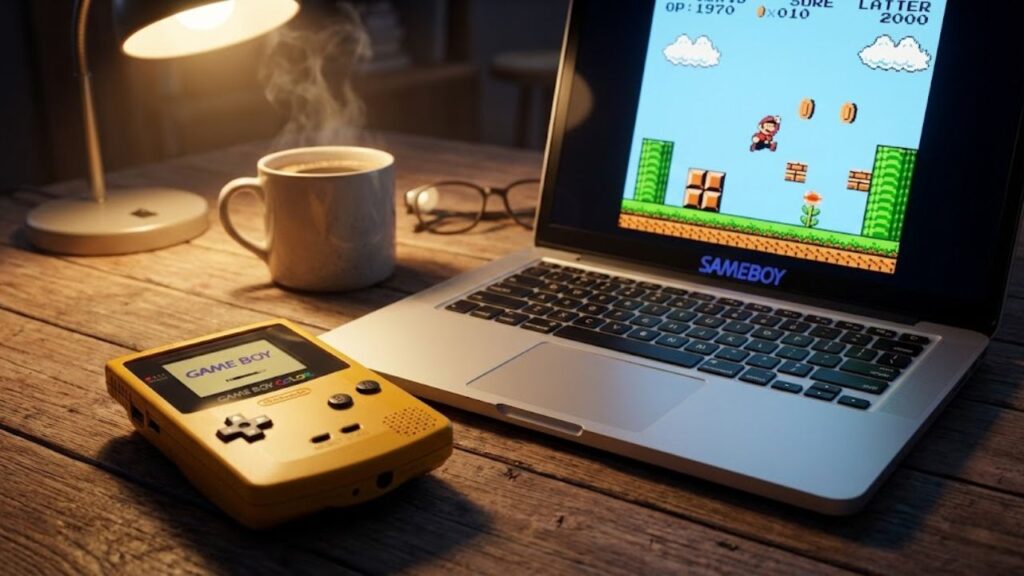
A modern laptop running a retro game alongside a vintage yellow Game Boy Color console in a cozy setting.

What is SameBoy?

If you are new to the world of retro gaming on modern devices, you might be asking: what is SameBoy? At its core, SameBoy is a free, open-source emulator. An emulator is simply a piece of software that allows your modern computer, smartphone, or tablet to act like an older gaming console. It “emulates” the original hardware, letting you run classic games seamlessly.+1

Created and maintained by a passionate community, SameBoy specializes in bringing Nintendo’s classic handhelds back to life.

Supported Consoles: This powerful software doesn’t just stick to one system. It allows you to play games originally designed for the:

  • Original Game Boy
  • Game Boy Color
  • Super Game Boy

Supported Devices: One of the main reasons SameBoy is currently trending is its incredible compatibility. While many emulators only work on Windows PCs, SameBoy is built for everyone. It runs perfectly on macOS, Windows, and Unix platforms. Even more impressively, it is one of the very few officially approved emulators available directly on the iOS App Store for your iPhone, and it even works on watchOS (Apple Watch).

If you have been searching for the best Game Boy emulator for Mac or an easy way to play classic Game Boy games on PC or mobile, SameBoy is the ultimate answer.
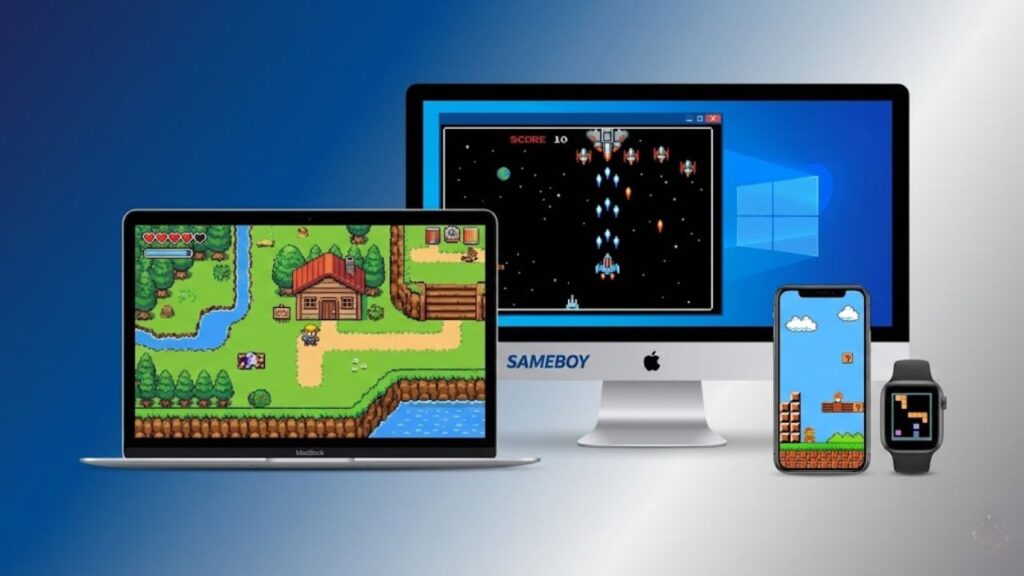
An illustration depicting retro games running on various devices including a MacBook, Windows PC, iPhone, and Apple Watch.

Top Features That Make SameBoy Trending

What sets this open-source Game Boy emulator apart from the dozens of other options on the internet? It all comes down to how it balances hardcore performance with absolute ease of use.

Here are the top features that make SameBoy the best in its class:
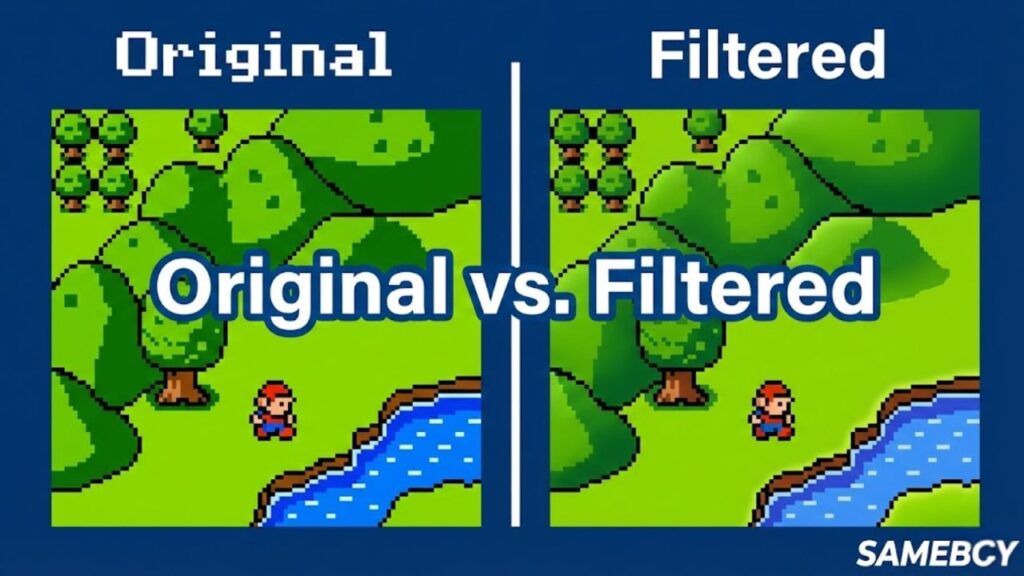
  • High Accuracy: Emulation can sometimes be messy, resulting in weird audio glitches or games running too fast. SameBoy is famous for its “cycle-accurate” performance. This means it runs games exactly how they felt on the original console, with no frustrating lag or visual bugs.
  • User-Friendly Interface: You do not need a degree in computer science to use it. SameBoy features a clean, intuitive design. It is perfect for casual players who just want a “plug and play” experience without navigating through endless, confusing menus.
  • Save States: Remember the days of losing hours of progress because your batteries died before you reached a save point? With SameBoy’s “Save State” feature, you can save your exact position in the game at any second, and instantly load it back up whenever you want.
  • Scaling Filters: Playing a 160×144 pixel game on a modern 4K monitor can look stretched and ugly. SameBoy fixes this with built-in scaling filters. These filters smooth out the pixels, making old games look crisp, vibrant, and beautiful on modern high-definition screens.
  • Tools for Developers: While everyday gamers love it for its simplicity, developers love it for its depth. SameBoy includes powerful, built-in debugging tools. This makes it a massive favorite in the “homebrew” community for people who are actually creating brand-new retro games today.
A split-screen comparison showing classic pixelated Game Boy graphics on the left versus smoothed scaling filters on the right.

Why Choose SameBoy Over Other Emulators?

With so many retro gaming options out there, you might wonder why SameBoy is currently dominating the conversation. The answer lies in how accessible and high-performing it is compared to its competitors.
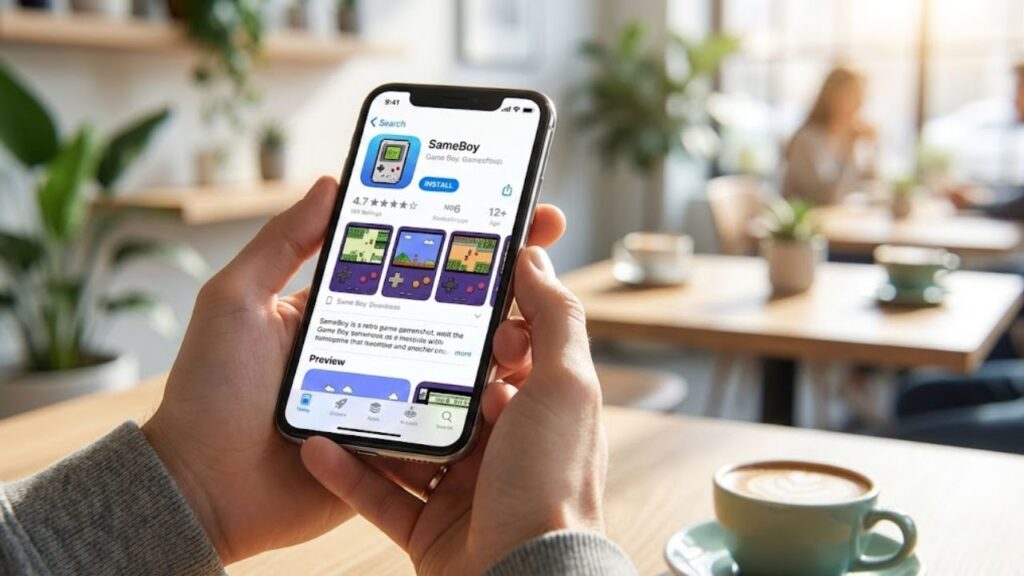
  • App Store Availability: This is arguably SameBoy’s biggest selling point. While most emulators require complicated “sideloading” or jailbreaking to get on a smartphone, SameBoy is officially available on the iOS App Store. This makes playing Game Boy games on an iPhone incredibly simple and completely safe.
  • Open-Source & Free: SameBoy is a true passion project. It is 100% open-source, meaning its code is publicly available and constantly updated by a community of dedicated developers. Best of all, it costs absolutely nothing to download and use the core emulator.
  • Perfect Blend of Power and Simplicity: It manages to appeal to two very different audiences. Everyday gamers love it because the user interface is clean and straightforward. Hardcore tech enthusiasts and game developers love it because it features world-class emulation accuracy and powerful debugging tools under the hood.
A person holding an iPhone displaying the official SameBoy emulator page on the Apple App Store.

How to Download and Install SameBoy

Ready to start your retro gaming journey? Getting SameBoy up and running on your device is a breeze.
  • For iOS and Apple Watch: Simply open the Apple App Store on your iPhone or iPad, search for “SameBoy,” and hit download. It is just as easy as installing any standard app.
  • For Mac and Windows PC: To download the SameBoy emulator for your computer, head over to the official developer website at sameboy.github.io. Look for the “Downloads” section and choose the latest version for macOS or Windows.
  • Warning: As a quick safety tip, you should only download the emulator directly from the official GitHub page or the Apple App Store. Avoid third-party software websites, as downloading emulators from unofficial sources can sometimes lead to unwanted malware.
A close-up of a computer screen showing a mouse cursor dragging a Game Boy ROM file icon into the SameBoy emulator window.

How to Play Games on SameBoy (Quick Start Guide)

Once you have installed the software, you are only a few clicks away from playing your favorites. But how do you actually get games into the emulator?

Understanding ROMs in Simple English Think of an emulator as the physical console (the Game Boy itself). To play a game, you still need a cartridge. In the digital world, these cartridges are called ROMs. A ROM is simply a digital copy of the game’s data, usually saved as a file on your computer or phone.

How to Load a Game Once you have a game file, loading it into SameBoy takes seconds:
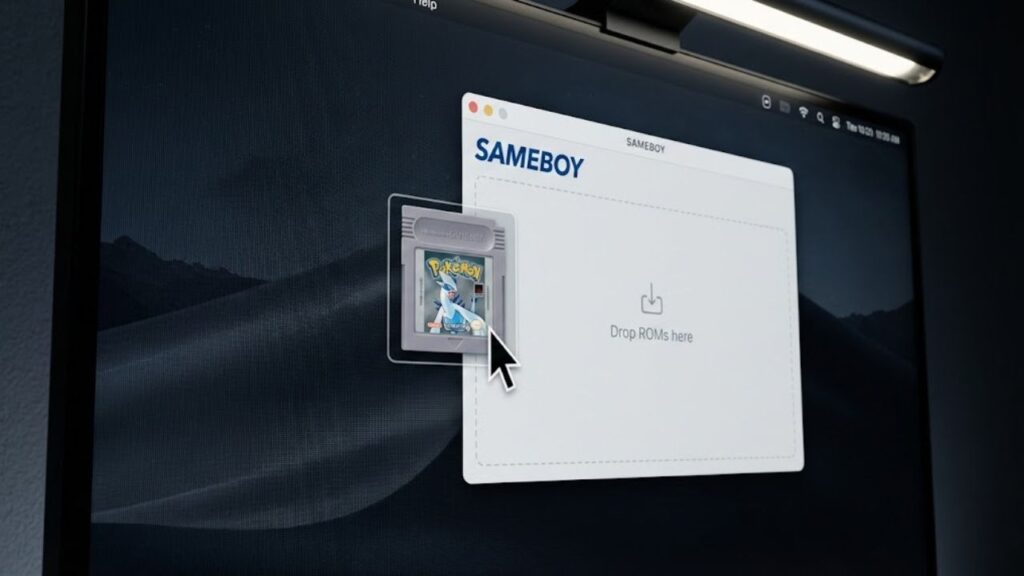
  1. On Mac/PC: Simply drag and drop your game file directly into the open SameBoy window. Alternatively, you can click File > Open in the top menu and select your game from your computer’s folders.
  2. On iOS: You can easily add games by sharing the files to the SameBoy app using your iPhone’s native “Files” app.
  • Note on Game Ownership: Please remember that downloading ROMs for games you do not legally own is against copyright law. You should only use an emulator to play digital backups of physical games that you already possess.
Loading a Game

Conclusion

If you want to play classic Game Boy games on a PC, Mac, or iPhone, the SameBoy emulator is undoubtedly the top choice. By combining incredible accuracy, modern features like scaling filters and save states, and an incredibly simple installation process, it proves that retro gaming doesn’t have to be complicated. Whether you are aiming to catch ’em all in Pokémon or save the princess in Super Mario Land, SameBoy offers a flawless, premium experience.

What classic Game Boy game are you going to play first on SameBoy? Let us know in the comments below!


Leave a Reply

Your email address will not be published. Required fields are marked *