Physical Address
304 North Cardinal St.
Dorchester Center, MA 02124
Physical Address
304 North Cardinal St.
Dorchester Center, MA 02124

We are Trend!
We are Trend!
The world of AI video generation is moving fast, but one name is currently stealing the spotlight from giants like OpenAI’s Sora and Runway Gen-3: Kling AI. While the internet was waiting for Sora’s public release, a Chinese tech giant quietly launched a tool that many creators are calling the “Sora Killer.” If you’ve seen those viral, hyper-realistic videos of animals eating noodles or cinematic movie trailers generated from thin air, chances are they were made with Kling.
What is Kling AI? It is a next-generation AI creative studio developed by Kuaishou, designed to turn simple text and static images into 1080p, cinema-grade videos.
Why is it trending now? Unlike other exclusive tools, Kling AI is accessible to the public right now. It has solved the biggest problems in AI video: jittery motion and short clips. With its latest Kling 3.0 and O1 models, it delivers smooth physics, consistent characters, and even native audio generation. In this guide, we’ll break down its features, pricing, and how you can use it to create viral content today.
Overview Kling AI is a powerful generative video model that uses advanced 3D space-time attention mechanisms to simulate the real world. Think of it as a virtual film studio where you are the director, and the AI is your camera crew, actors, and editors combined. It allows users to generate videos up to 5 seconds (extendable to 3 minutes) with high frame rates (30fps), making it one of the most capable text-to-video AI tools on the market in 2025.
The Tech: Kling O1 & 3.0 Models At the heart of the platform is the Kling O1 (Omni) and the newly released Kling 3.0 architecture.
Platform Availability Kling AI is available globally to US and UK audiences via:
klingai.com (no high-end PC required).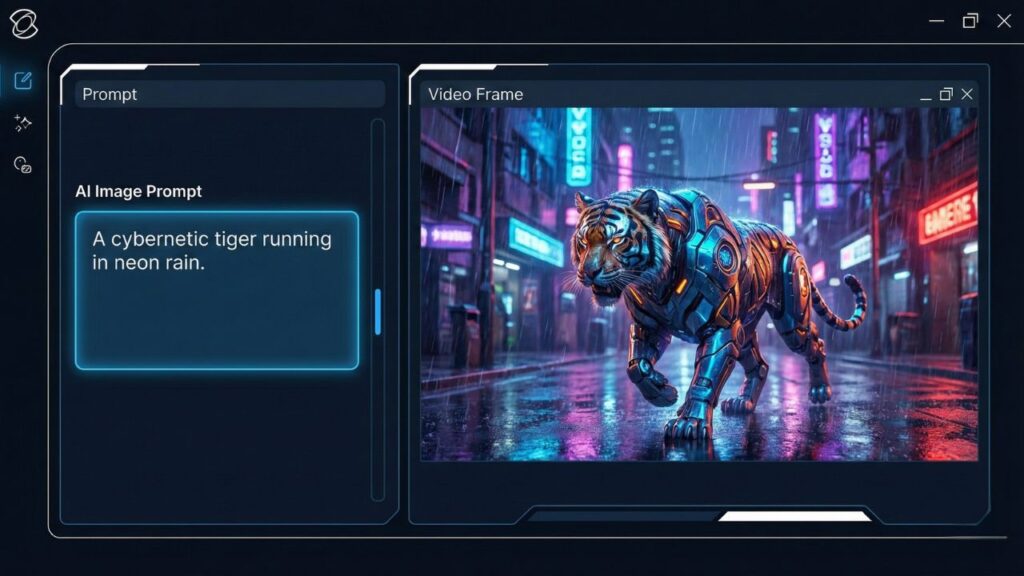
This is the core feature that has captivated the internet. You simply type a prompt, and Kling generates a video. The latest update supports complex prompts, meaning you can describe camera angles, lighting (e.g., “golden hour”), and specific actions without confusing the AI.
This is the most popular feature for social media trends. You can upload a static image—a family photo, a Midjourney creation, or a product shot—and Kling will animate it.
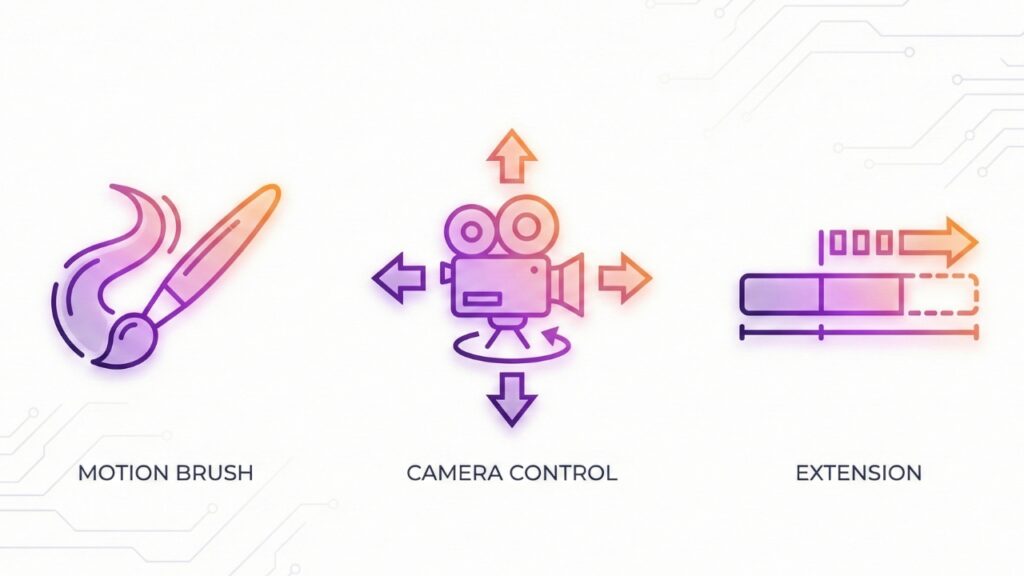
One of Kling’s “Pro” features is the Motion Brush. Instead of letting the AI guess what to move, you can “paint” over specific areas of an image (like a cloud, a car, or a person’s arm) and draw an arrow to dictate the path of movement.
For US and UK creators looking for a premium look, Kling offers granular camera tools. You are not stuck with a static shot. You can control:
Standard AI videos are often just 2-4 seconds long. Kling AI solves this with its Video Extension feature. You can take the last frame of a generated clip and “extend” it for another 5 seconds, repeatedly.
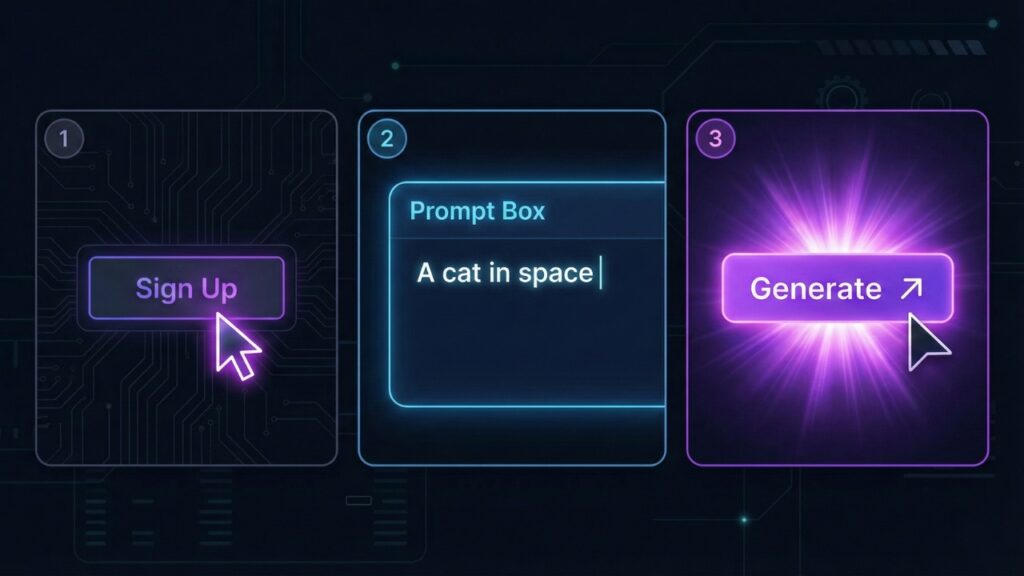
Step 1: Sign Up Head over to klingai.com. You can sign up using a standard email address.
Step 2: Choose Your Mode Once logged in, you will see a clean dashboard. Select “Text-to-Video” if you want to create a scene from scratch, or “Image-to-Video” if you want to animate an existing photo.
Step 3: Write a Prompt This is where the magic happens. For the best results in English, be descriptive but clear.
Step 4: Settings & Aspect Ratio Before hitting generate, check your settings on the right sidebar.
Step 5: Generate Click the “Generate” button.
While OpenAI’s Sora made headlines, Kling AI is the tool people are actually using right now. Here is how they stack up for 2025:
| Feature | Kling AI | OpenAI Sora | Runway Gen-3 |
| Availability | Public (Open to All) | Limited / Waitlist | Public |
| Realism | ⭐⭐⭐⭐⭐ (Best Physics) | ⭐⭐⭐⭐⭐ (Photoreal) | ⭐⭐⭐⭐ (Artistic) |
| Cost | Free Daily Credits | Paid (ChatGPT Pro) | Paid (Credits) |
| Best For | Human movement & Realism | Long cinematic shots | Abstract & Artistic video |
Yes, Kling AI has a very usable free tier, which is rare for premium AI tools.
Pros:
Cons:
Verdict: Yes. If you are waiting for Sora, stop waiting and start creating with Kling. It is currently the best free AI video generator available to the public that delivers professional-grade realism. Whether you want to make funny TikTok clips or serious cinematic trailers, Kling AI is the tool to beat in 2025.
Ready to make your first viral video? Head to KlingAI.com to try the free version today. Don’t forget to post your results and tag @TrendRush on social media—we might just feature your masterpiece!